Over the past year I have found myself using Instagram as a replacement for several other products. Although I’ve had an account since 2010, I have felt a steep increase in my own usage recently, I attribute this to a few unexpected use cases…
Instagram’s “saved” posts in place of Pinterest
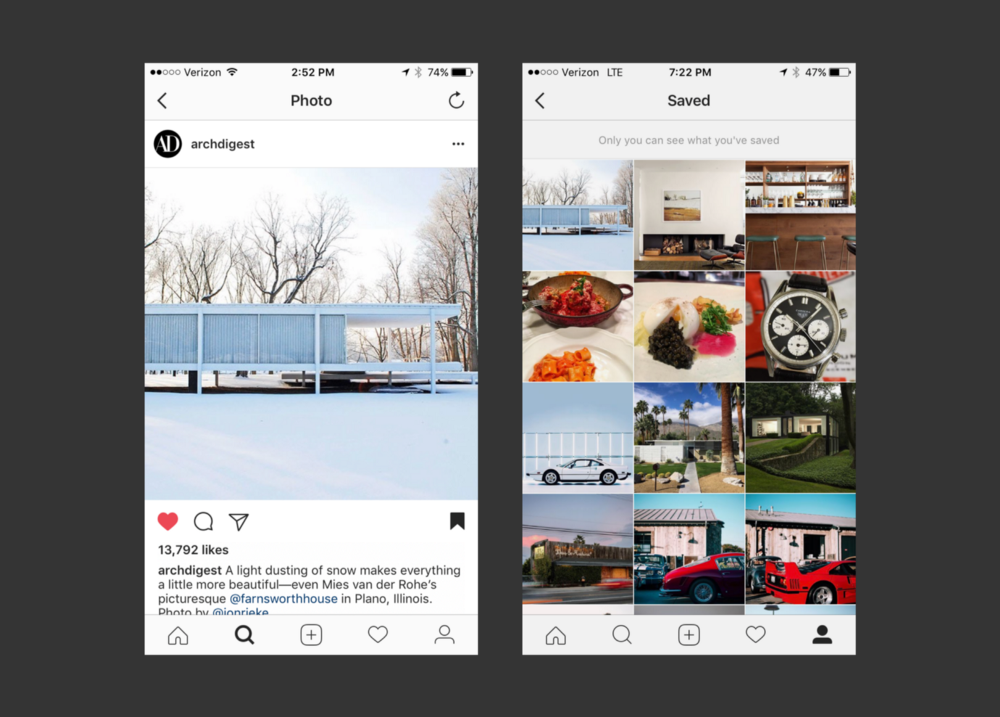
I used to use Pinterest to save aspirational and inspirational content. Perfectly organized closets, interesting architecture, color palettes, pretty cars. But ever since Instagram introduced saved posts, I have moved much of this activity there. Instead of following influencers or brands on Pinterest, I started following them on Instagram, where they provide a more curated feed of less content. Outside the mosaic chaos of a Pinterest feed, I am able to see a little bit of relevant inspiration each day in a more minimal way, and then save the posts I like, which I can reference easily in the private saved posts tab on my profile.
Instagram as a resale market
There are certain communities, especially those of collectors where Instagram has become a market for selling. Check out the hashtag #sneakersforsale, there are tons of limited edition sneakers for sale by owners on the platform. The watch collecting community is also very active on Instagram. If you’re following watch enthusiasts, it’s common to see watches listed for sale, along with a detailed description and a price (or a request for offers). Listing things directly and catering to a specific group of likeminded collectors is often easier than on eBay or going through other middlemen.

Instagram as the location check-in
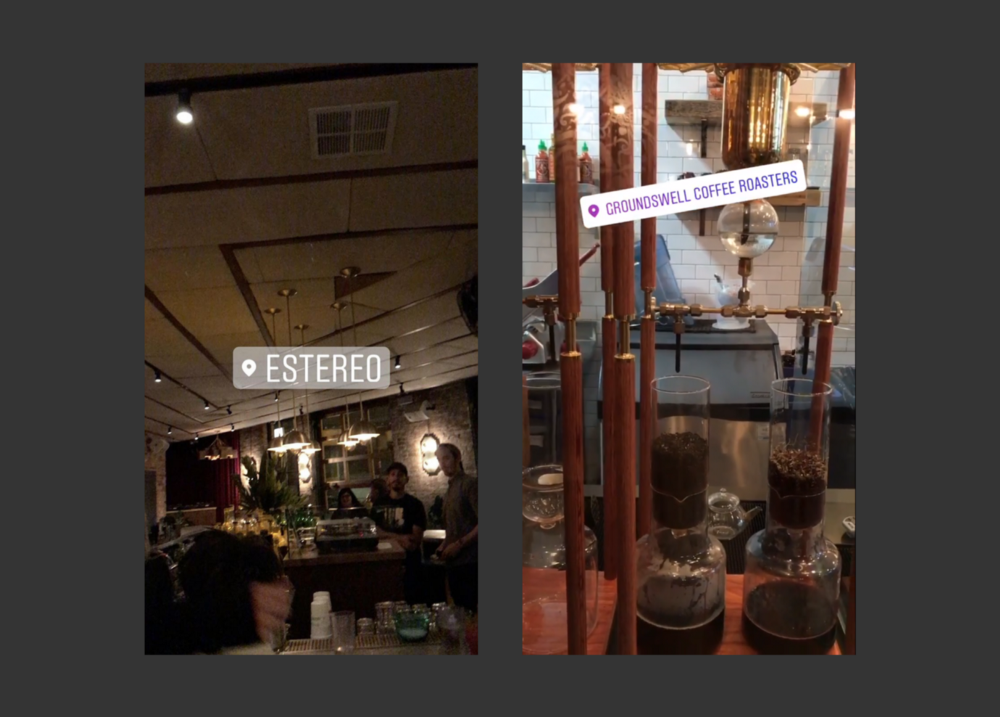
I have very few friends still active on Foursquare’s Swarm, but Instagram Stories have offered an easy way to “check-in.” By tagging my location in a Story, I’m letting people know my whereabouts, fulfilling the same social desire to tell my friends where I went for dinner. It adds a level of depth and more context to my Story too.
Instagram Direct stole my Twitter DMs
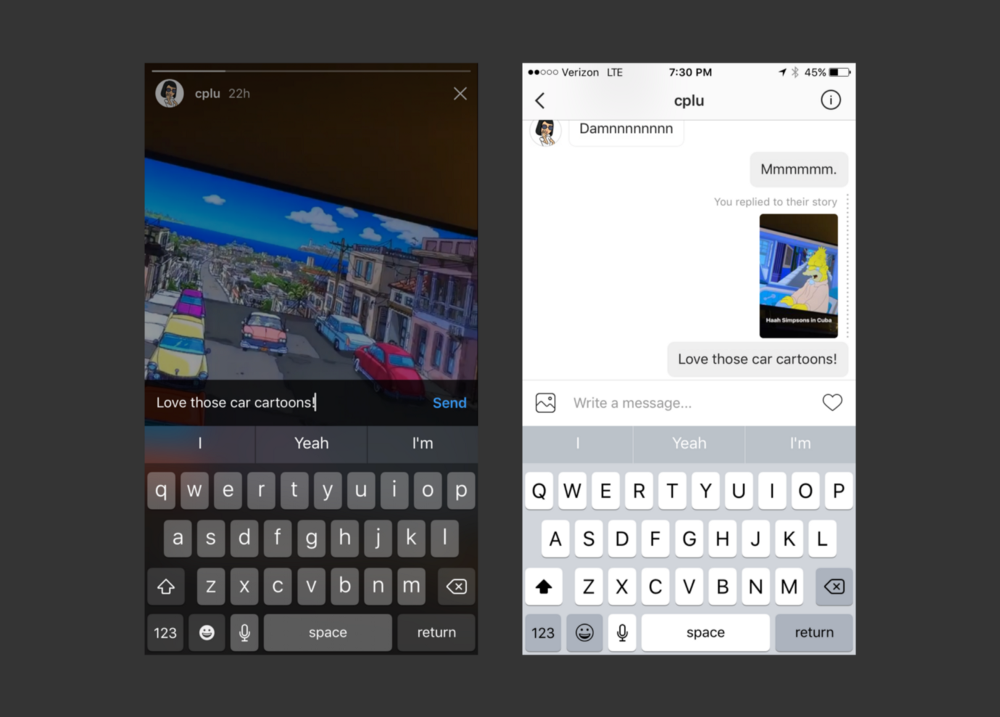
There are a number of people I previously communicated with via Twitter DMs who I now speak to almost exclusively through Instagram Direct, their version of messages. Instagram messages are often spawned from viewing someone’s story or post, they make it easy to start a conversation. A DM on Twitter is mostly random, like any other messaging system, but Instagram messages usually originate with a piece of content you’d like to share, so you automatically have a topic to discuss. Sure, you might stray away from that video of cats after a few exchanges, but it doesn’t matter, you’ve introduced something to the conversation in a way that’s not weird and provides enough context for you to feel comfortable chatting. Built in conversation starters, if you will.
Instagram as a vehicle for casual comedy
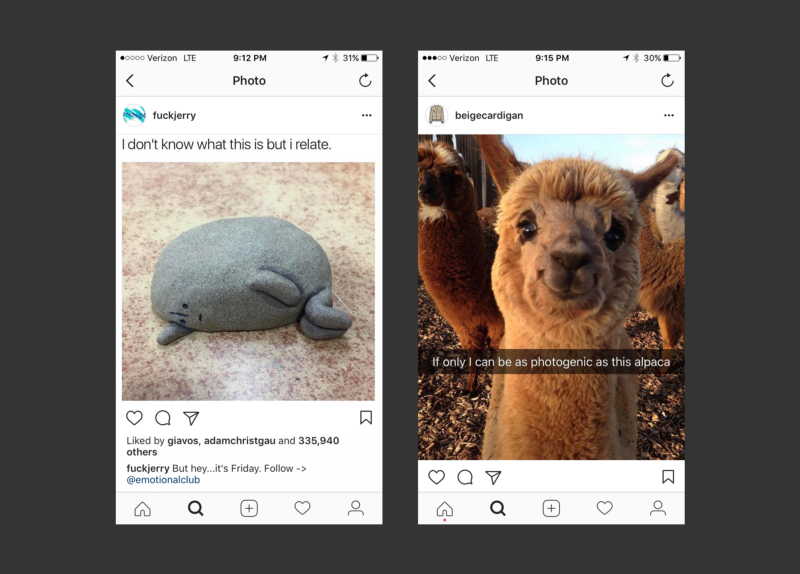
Fuck Jerry, Betches, Beige Cardigan…you know the drill. Mostly unoriginal comedy about anxiety, eating, and being tired, conveniently packaged into one image. Most of these jokes are stolen from Twitter or Reddit, but they’re still funny. They’re accessible and convenient and provide you with that quick LOL you might have sought somewhere else in the past. I used to visit r/funny everyday, I no longer do.
Instagram as a place discovery tool
The food photos your friends (and influencers you follow) post, along with that little location tag are everything. Instead of reading various food blogs, I just follow their accounts and if I see something that looks appetizing I’ll note the location.
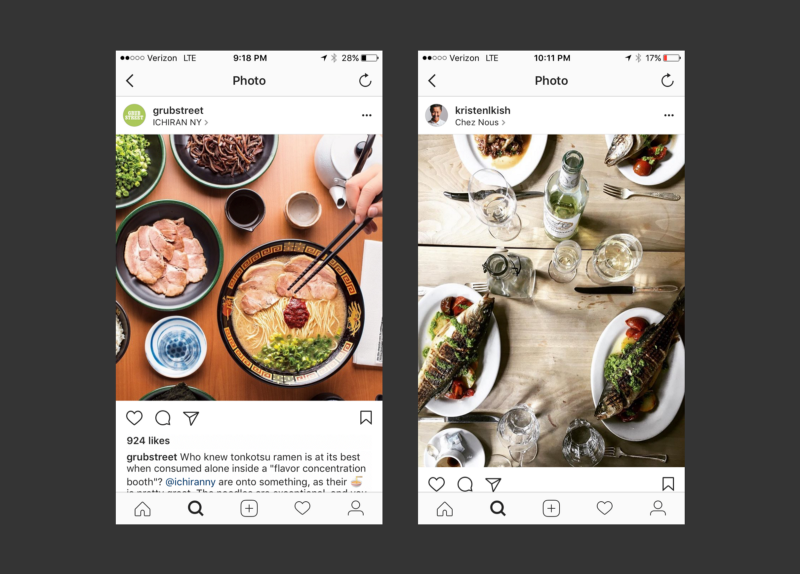
The same applies for travel…

I’m not sure if this is just my own subconscious desire to consolidate the number of products I use, or if there’s something going on. Either way, I find myself continuously delighted and impressed by Instagram’s execution and product decisions.
Tara Mann is a designer at Basecamp, previously she worked at Twitter, and Science Inc. She’s wondering what the next trendy vegetable will be. Follow her on Instagram and Twitter at @taramann.
